

GUI.for.Clash A Mihomo Desktop Client with Profiles and Plugins

GUI.for.Clash is a Mihomo-based desktop proxy client for Windows, macOS and Linux. It manages subscriptions and runtime profiles separately and extends configuration workflows with plugins and scheduled tasks.

GitHub Release v1.29.0
·

Version and release source checked: If more than 30 days have passed without an update, refer to the project release page or app store.

GUI.for.Clash core features

Organize subscriptions, runtime profiles and rules separately, then use scripts, plugins and tasks for recurring maintenance.

Client interface

View Overview, Profiles, Subscriptions, Plugins and general settings.

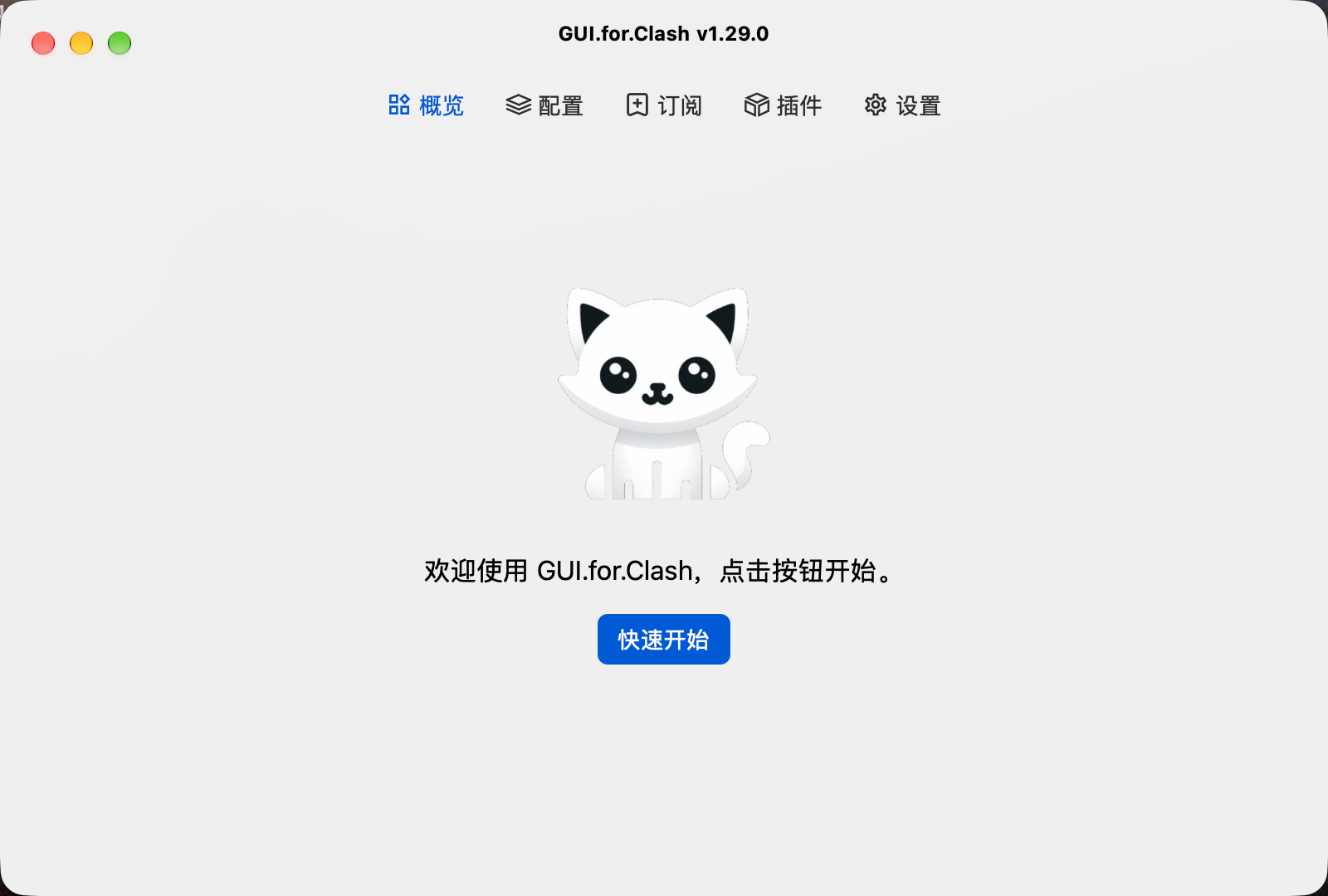
GUI.for.Clash Overviewv1.29.0

Overview

View the welcome screen and Quick Start action before setup.

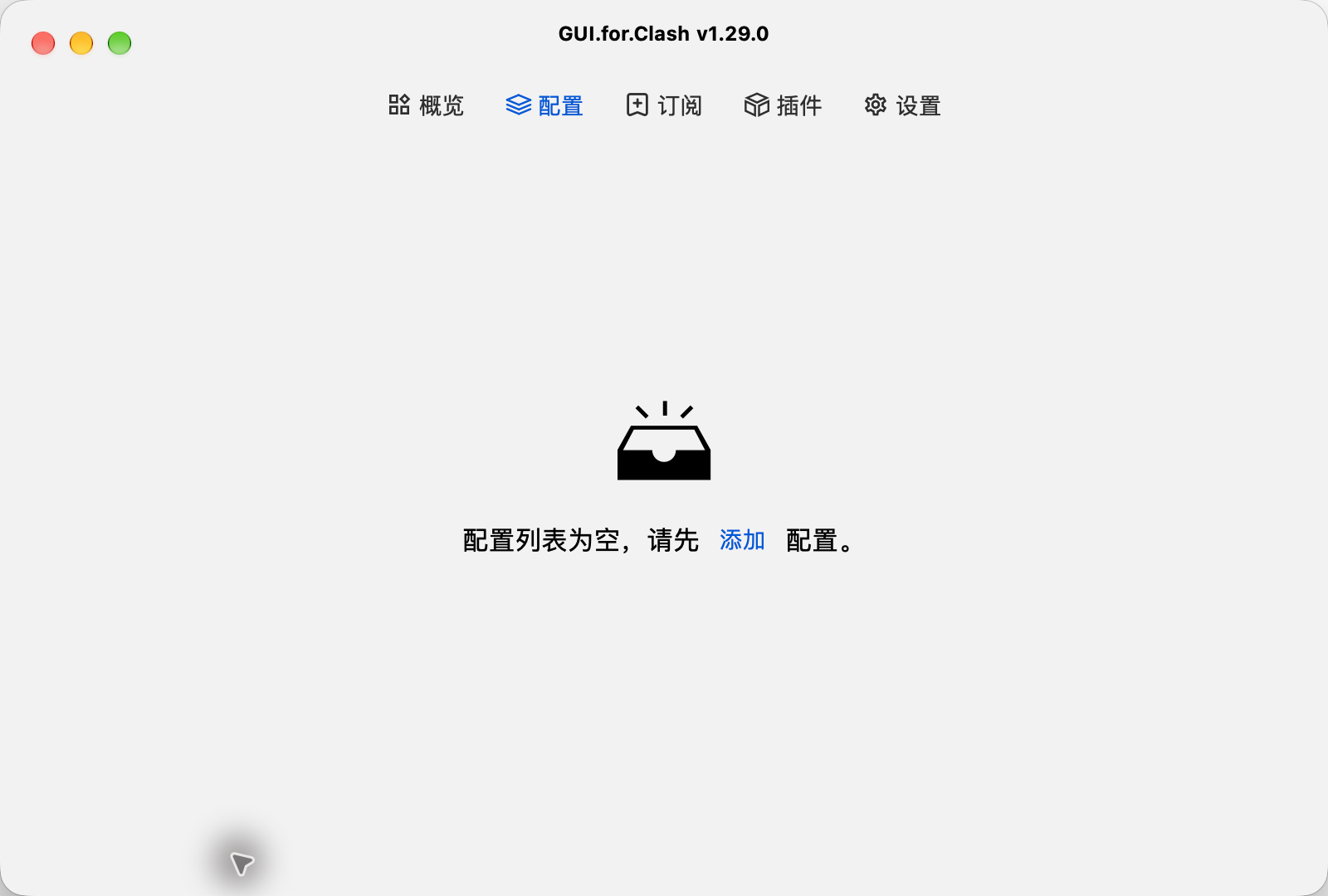
GUI.for.Clash Profilesv1.29.0

Profiles

View the empty profile list and Add action.

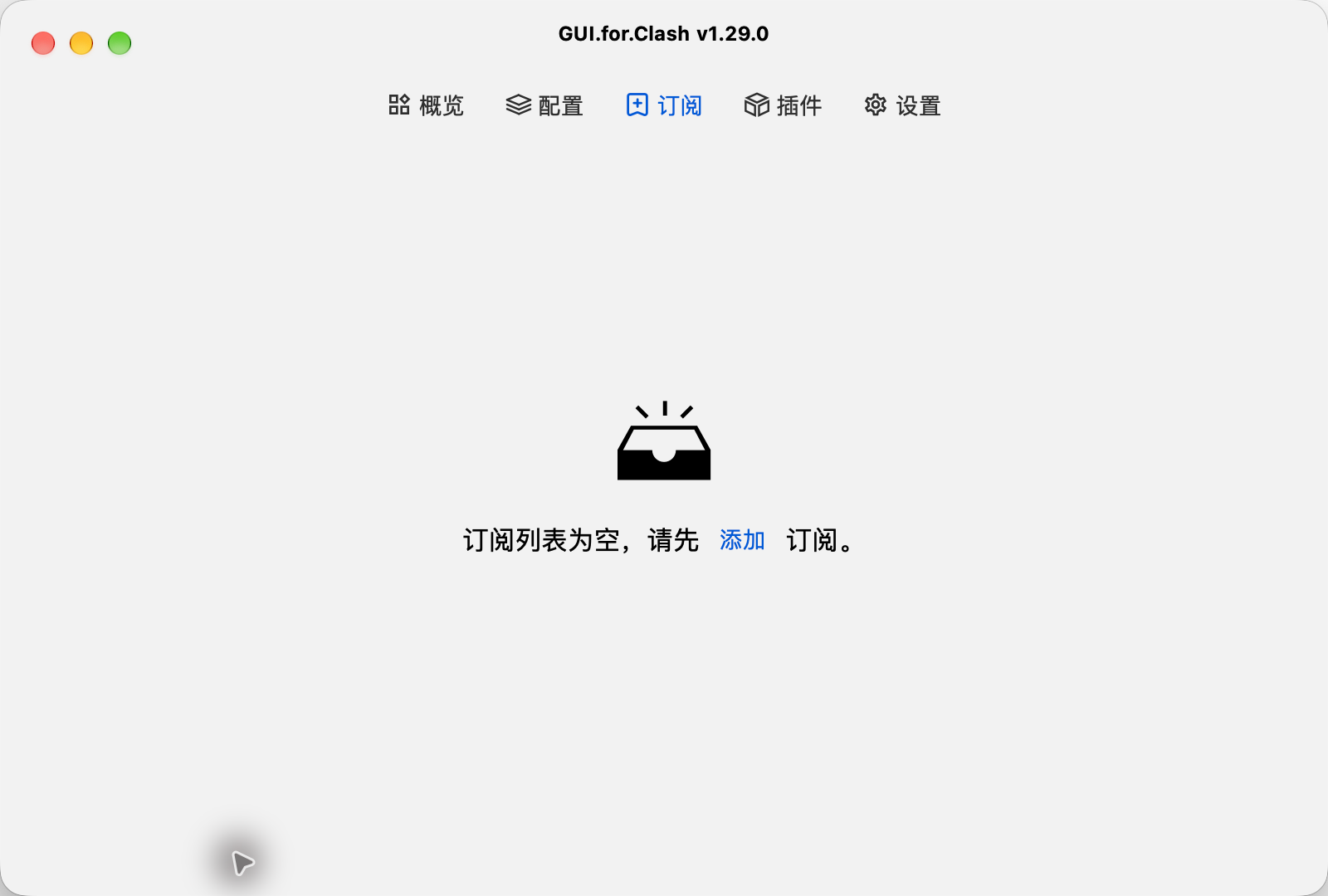
GUI.for.Clash Subscriptionsv1.29.0

Subscriptions

View the empty subscription list and Add action.

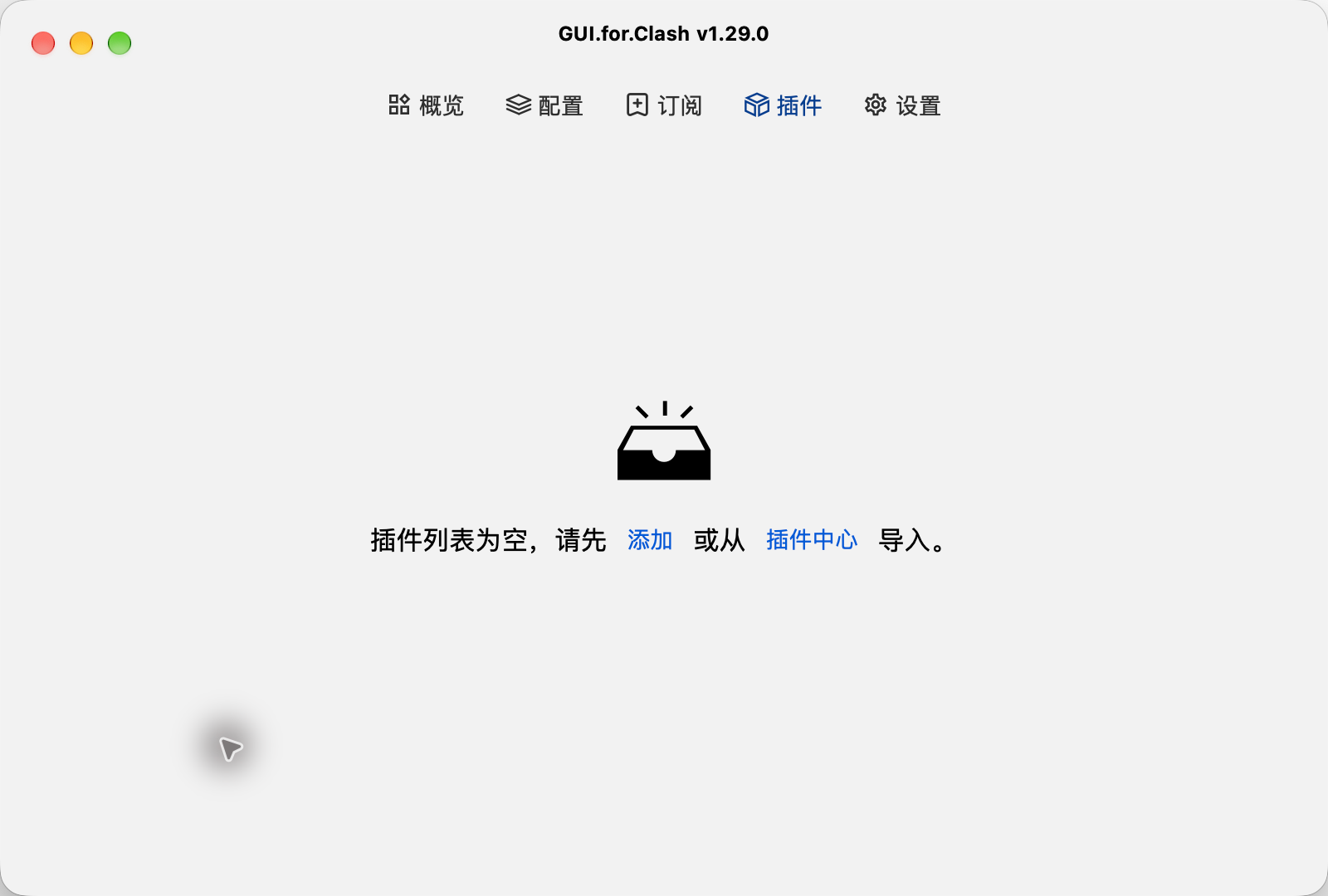
GUI.for.Clash Pluginsv1.29.0

Plugins

View the actions for adding a plugin or importing one from the Plugin Hub.

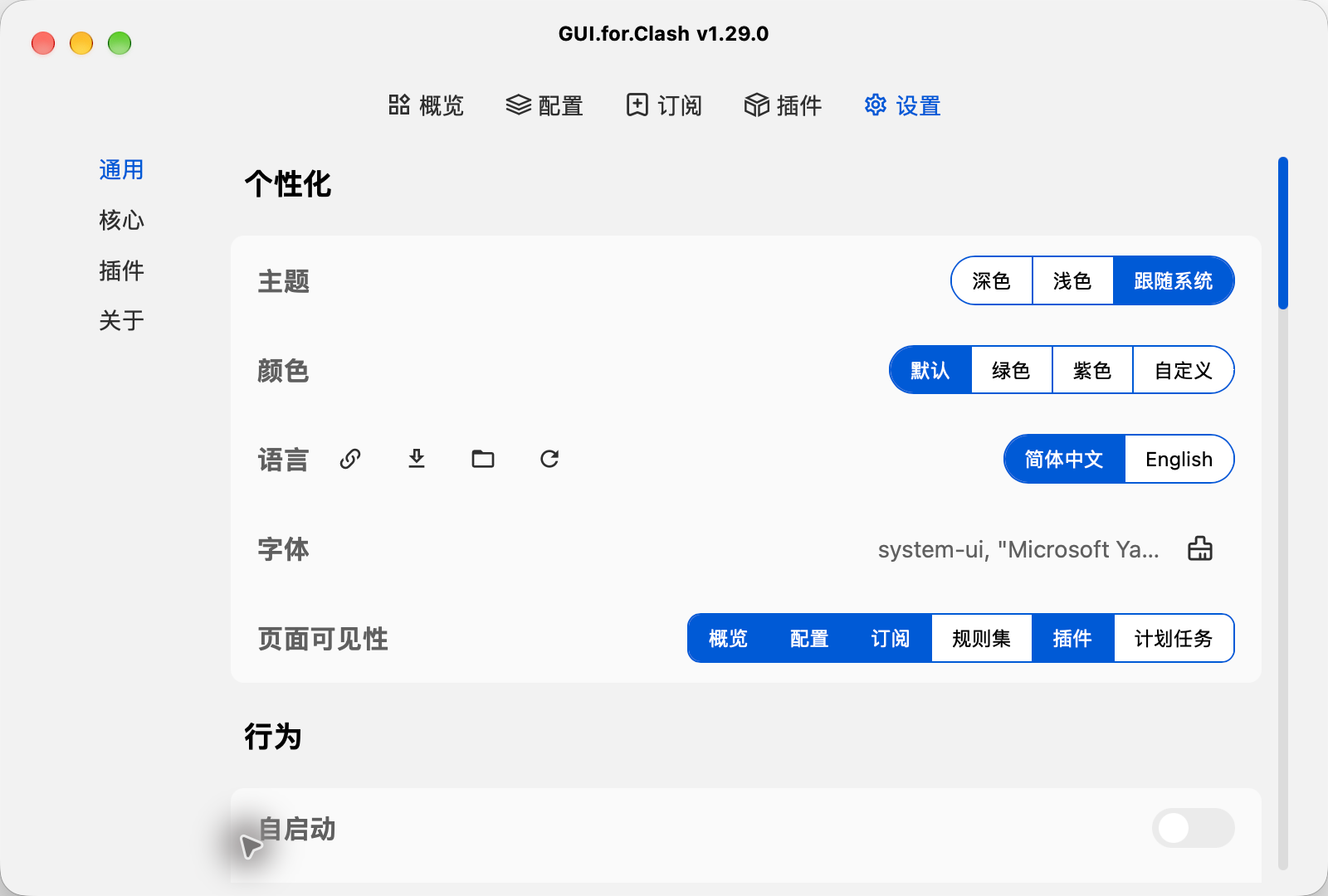
GUI.for.Clash Settingsv1.29.0

Settings

View theme, color, language, font, page visibility and launch-at-startup options in general settings.

GUI.for.Clash downloads

Choose Your Operating System
Current Package

x64

Current Package

Apple Silicon

Current Release Source

amd64 / arm64

Windows · x64

GUI.for.Clash v1.29.0 · ZIP

Site Backup · Verified

View This Package

See the download page for the file size and SHA256.

Source and Verification Details
Maintenance
Maintained
Windows Version
1.29.0
Windows release source
GitHub Releases
Windows system requirements
Windows 10+; WebView2 Runtime required
System architecture
x64
File source
GitHub Releases
Filename
gui-for-clash-v1.29.0-GUI.for.Clash-windows-amd64.zip
Source review date
2026-11-11
Official Latest Downloads

Choose the matching ZIP and extract it to a writable folder. The installation guide recommends a path without Chinese characters or spaces.

macOS · Apple Silicon

GUI.for.Clash v1.29.0 · ZIP

Site Backup · Verified

View This Package

See the download page for the file size and SHA256.

Source and Verification Details
Maintenance
Maintained
macOS Version
1.29.0
macOS release source
GitHub Releases
macOS system requirements
macOS 13.0+
System architecture
arm64
File source
GitHub Releases
Filename
gui-for-clash-v1.29.0-GUI.for.Clash-darwin-arm64.zip
Source review date
2026-11-11
Official Latest Downloads

Move the extracted app to a writable location such as Desktop. If the developer cannot be verified, close the warning; after confirming the source, open 系统设置 (System Settings) → 隐私与安全 (Privacy & Security) → 仍要打开 (Open Anyway) and confirm.

Linux

GUI.for.Clash v1.29.0 · ZIP

GitHub Releases

Official Latest Downloads

Choose the amd64 or arm64 ZIP, extract all files to a writable folder, and check runtime dependencies and execution permissions.

Source and Verification Details
Maintenance
Maintained
Linux Version
1.29.0
Linux release source
GitHub Releases
Linux system requirements
Minimum distribution version not published; officially tested on Ubuntu 22.04.4
System architecture
amd64 / arm64
File source
GitHub Releases
Source review date
2026-11-15

Built with Wails, Go and Vue, GUI.for.Clash runs on Windows, macOS and Linux. It separates subscriptions, runtime profiles, rulesets and plugins, then generates Mihomo configurations with system proxy or TUN controls.

Connect for the First Time in Three Steps

Install GUI.for.Clash and update the core, import a subscription with its linked configuration, then start the core, select a node and enable system proxy.

01

Download and install

Get the app from this site, extract the entire archive, launch it and update the Mihomo core.

02

Import and link a configuration

Save a compatible subscription URL through Quick Start and wait for the subscription and linked configuration to be created.

03

Start the core and system proxy

Select the configuration in Overview and start the core, then choose a node, enable system proxy and check access.

GUI.for.Clash FAQs

Subscriptions supply nodes. A profile organizes the groups, rules and core parameters passed to Mihomo and can reference one or more subscriptions. Downloading a subscription does not start it. For basic use, “Quick Start” creates a linked profile; select it in “Overview” and start the core. Identify the running profile before changing its groups or rules.