

v2rayN A Desktop Client for Xray, sing-box and Custom Cores

v2rayN is a multi-core desktop proxy client for Windows, macOS and Linux. It uses cores such as Xray and sing-box and provides subscription management, node testing and rule-based routing.

GitHub Release 7.25.6
·

Version and release source checked: If more than 30 days have passed without an update, refer to the project release page or app store.

v2rayN core features

Manage each key stage of a connection, from subscription groups and node tests to routing, DNS and outbound combinations.

Client interface

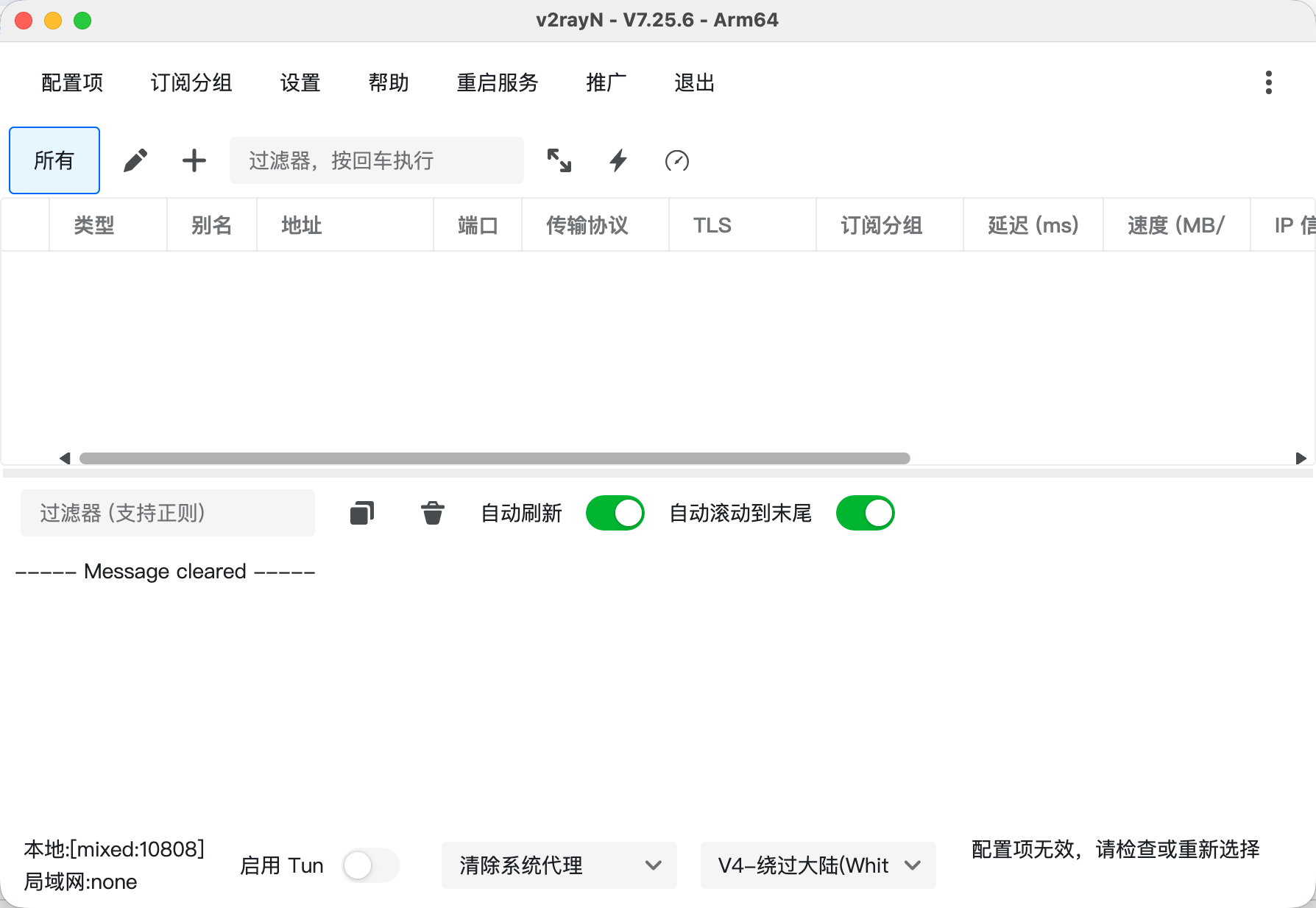
View the main screen and the configuration items, subscription groups, settings and help menus.

v2rayN Main screen7.25.6

Main screen

View the configuration list, logs, system proxy and routing controls; no configuration has been imported.

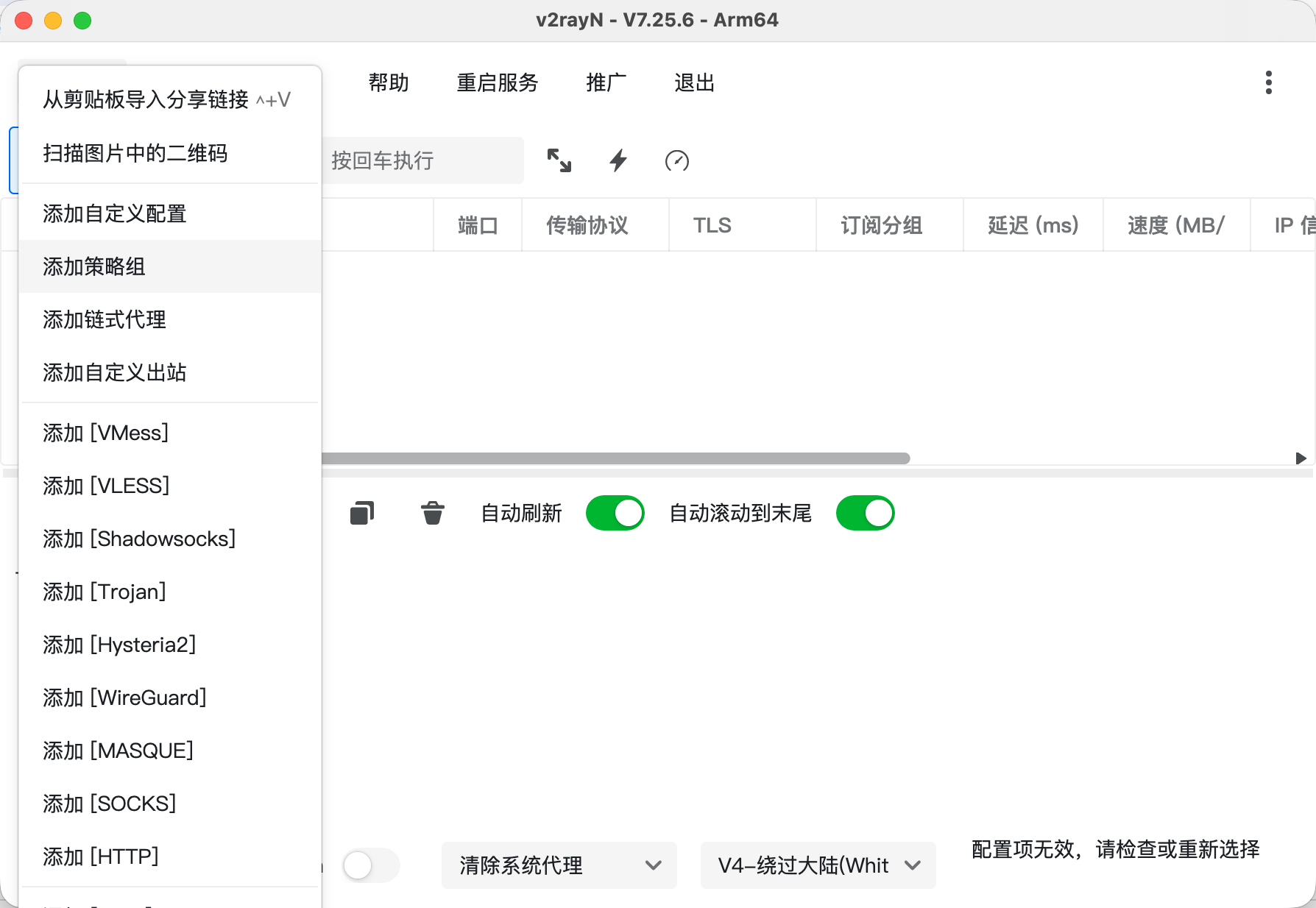
v2rayN Configuration items7.25.6

Configuration items

View import options for share links and entries for custom configurations, strategy groups and individual nodes.

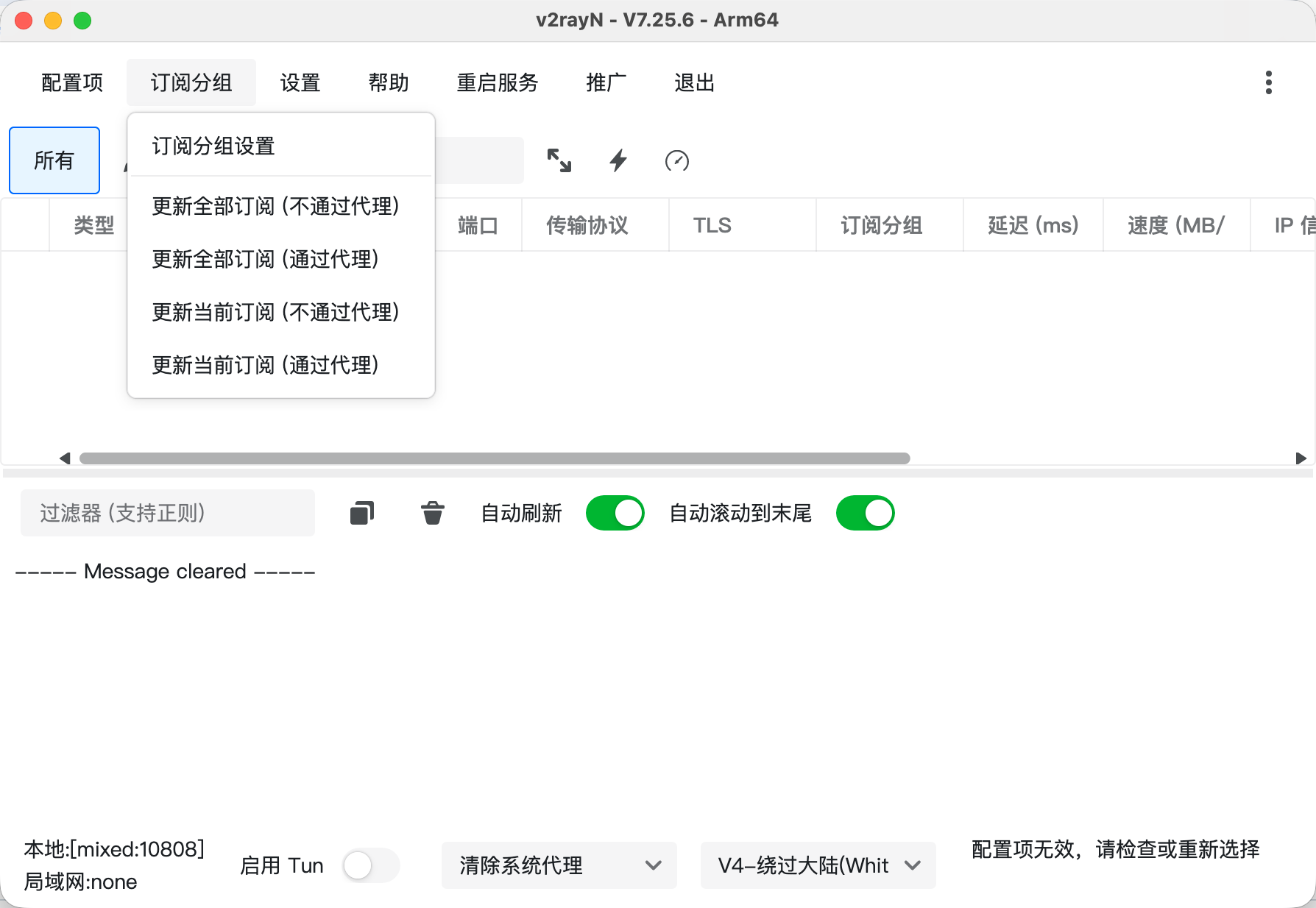
v2rayN Subscription groups7.25.6

Subscription groups

View subscription group settings and update options with or without a proxy.

v2rayN Settings7.25.6

Settings

View menu entries for parameters, routing, DNS, full configuration templates, and backup and restore.

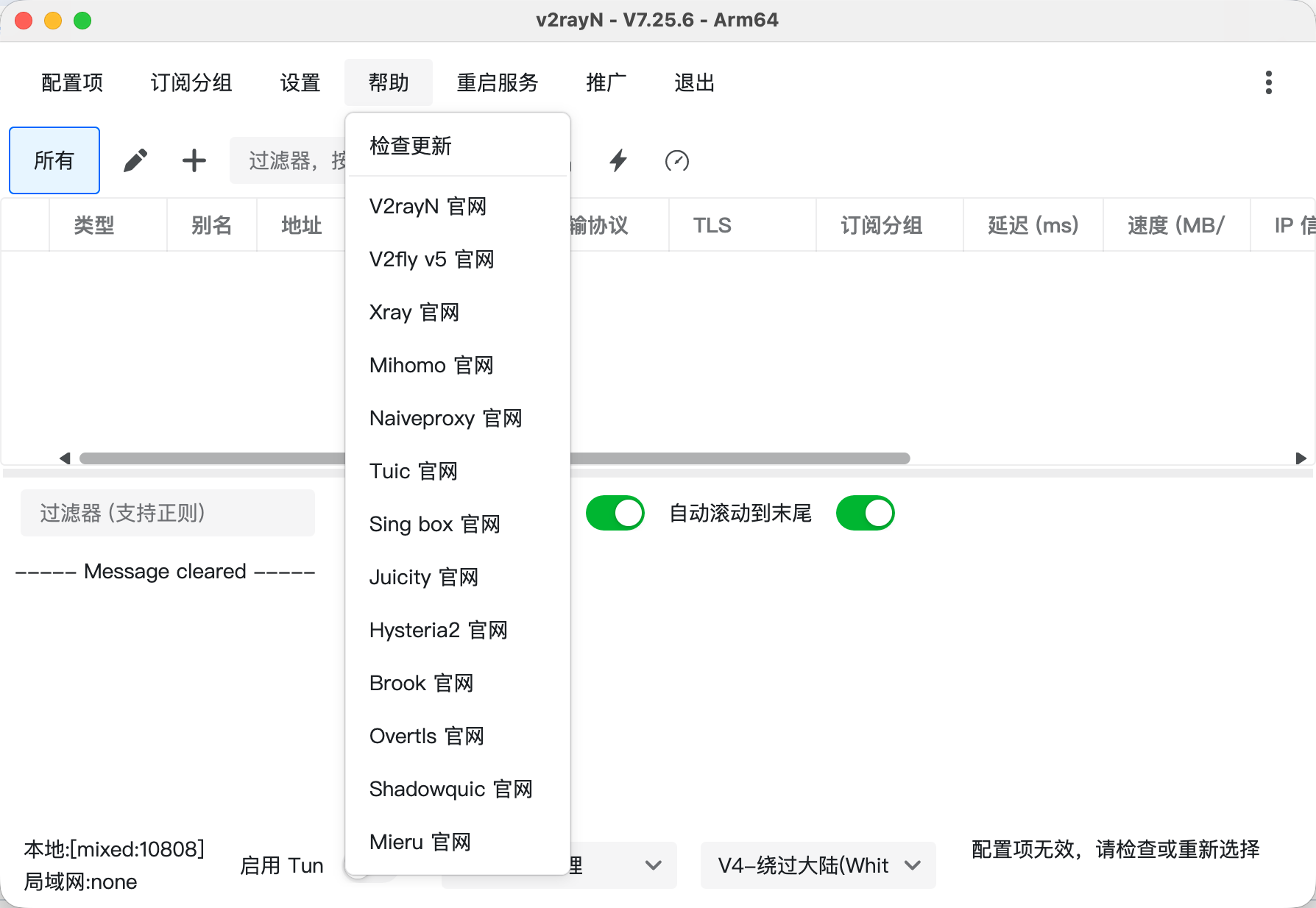
v2rayN Help7.25.6

Help

View update checks and website links for the client and related core projects.

v2rayN downloads

Choose Your Operating System
Current Package

x64

Current Package

Apple Silicon

Current Release Source

x64 / ARM64 / Loong64 / RISC-V

Windows · x64

v2rayN v7.25.6 · ZIP

Site Backup · Verified

View This Package

See the download page for the file size and SHA256.

Source and Verification Details
Maintenance
Maintained
Windows Version
7.25.6
Windows release source
GitHub Releases
Windows system requirements
Windows 10 or later
System architecture
x64
File source
GitHub Releases
Filename
v2rayn-7.25.6-v2rayN-windows-64.zip
Source review date
2026-11-11
Official Latest Downloads

Choose the matching architecture. Standard ZIPs use WPF; desktop ZIPs use Avalonia. Keep the extracted folder intact.

macOS · Apple Silicon

v2rayN v7.25.6 · DMG

Site Backup · Verified

View This Package

See the download page for the file size and SHA256.

Source and Verification Details
Maintenance
Maintained
macOS Version
7.25.6
macOS release source
GitHub Releases
macOS system requirements
macOS 13.6 or later
System architecture
arm64
File source
GitHub Releases
Filename
v2rayn-7.25.6-v2rayN-macos-arm64.dmg
Source review date
2026-11-11
Official Latest Downloads

Choose the DMG for Intel or Apple Silicon and install it in Applications. If the app is reported damaged or cannot open, confirm the source, run xattr -cr /Applications/v2rayN.app in Terminal, then reopen it.

Linux

v2rayN v7.25.6 · DEB / RPM (all architectures); ZIP (x64 / ARM64)

GitHub Releases

Official Latest Downloads

Match the distribution and an architecture actually listed in this release. Installed packages and ZIP builds store data in different locations.

Source and Verification Details
Maintenance
Maintained
Linux Version
7.25.6
Linux release source
GitHub Releases
Linux system requirements
Debian 12+, Ubuntu 22.04+, Fedora 36+ or RHEL 9+
System architecture
x64 / ARM64 / Loong64 / RISC-V
File source
GitHub Releases
Source review date
2026-11-15

v2rayN manages subscriptions, node tests, system proxy settings and routing on Windows, macOS and Linux. It supports Xray, sing-box and custom configurations; a Mihomo configuration needs its own port and proxy checks.

Connect for the First Time in Three Steps

After installing v2rayN, import a subscription, select a node and enable the proxy.

01

Download and install

Choose the right version on this site's download page and install it.

02

Import a subscription configuration link

Import a compatible subscription or configuration and confirm it has loaded.

03

Select a node and enable the proxy

Select an available node, enable the proxy and verify the connection.

v2rayN FAQs

System proxy handles traffic only from apps that honor the OS proxy settings. TUN uses a virtual network adapter to capture traffic within its routing scope and can also handle apps that ignore those settings. If you mainly use a browser or other apps that support system proxy, start with “Set system proxy”. Enable TUN as needed when you also want to capture traffic from apps that ignore the OS proxy. Stop other VPNs first, and grant any permissions requested when you enable TUN.